My brother-in-law would not stop talking about it.
Every family dinner, every phone call — “Bhai, there are apps that literally pay you money using AI. You just sign up and start earning.”
I smiled and nodded. Inside I was thinking — okay, sure. Another get-rich-quick thing that sounds amazing and pays you 50 rupees after three hours of work.
But after the fourth conversation, I gave in. Not because I believed him. Honestly, I just wanted to prove him wrong with actual data.
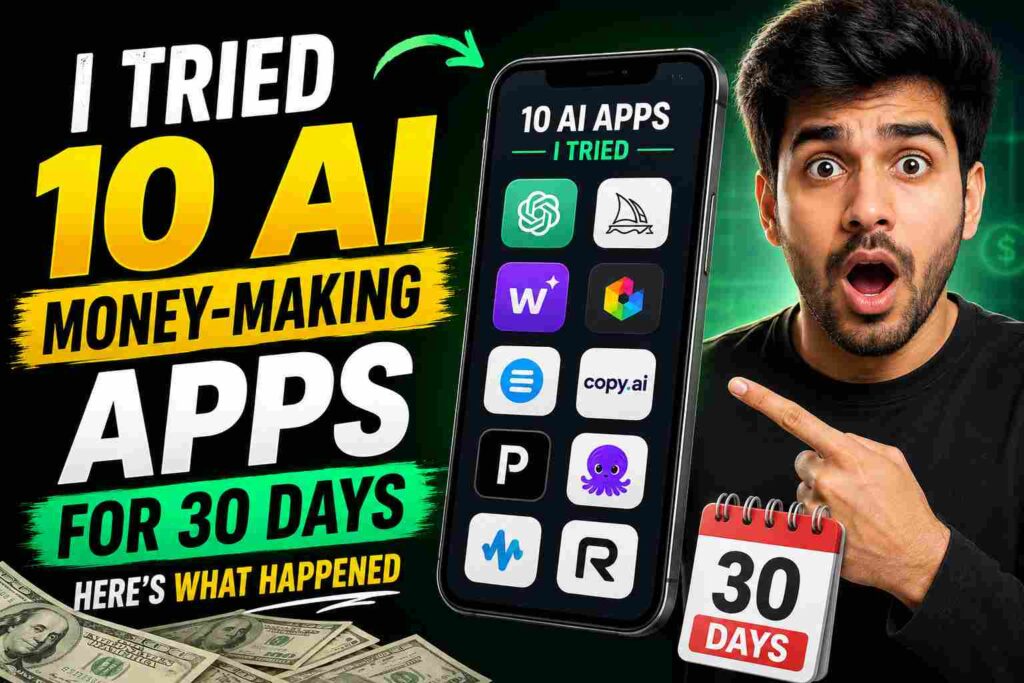
So I made a deal with myself. I would try 10 different AI money-making apps for 30 days straight. I would track everything — time spent, money earned, frustrations, surprises. No cherry-picking results. Just honest numbers.
Here’s everything that happened.
The Rules I Set for Myself
Before I started, I made three rules to keep this experiment fair.
One — I would spend at least one full week seriously trying each major app before giving up. No quitting after one bad day.
Two — I would track my time. Because making $10 sounds great until you realize it took you six hours.
Three — I would not spend money to make money. Free plans only. If an app needed a paid subscription to actually earn, I would note that and move on.
Okay. Let’s get into it.
App 1: ChatGPT (Used for Freelance Writing) — ⭐ Best Result
What I did: I used ChatGPT to help me write social media captions and blog posts for small businesses. I found clients on Fiverr and Facebook groups.
What I earned: $180 in 30 days.
Time spent: Around 2 to 3 hours per day on busy days, sometimes less.
This was by far my best result. But here’s the important part — ChatGPT didn’t make me money. I made money by using ChatGPT smartly. I wrote the prompts, edited the output, and delivered something that actually felt human.
The clients weren’t paying for AI. They were paying for results. AI just helped me work faster.
Honest take: This works. But it requires effort, real communication with clients, and editing skills. Don’t expect to copy-paste AI output and get paid.
App 2: Canva AI (Design + Selling Templates) — ⭐ Decent
What I did: I used Canva’s free AI features to create social media templates, then sold them on Etsy and Gumroad.
What I earned: $43 in 30 days.
Time spent: A lot upfront — maybe 15 hours total building the template packs. Then barely any time after that.
The first three weeks I made almost nothing. Then in week four, two people bought my Instagram template pack on Gumroad and one person bought a resume template on Etsy.
The interesting thing? This is passive. The templates are still up. They can still sell next month without me doing anything.
Honest take: Slow start, but has long-term potential. Don’t expect quick money. Think of it as planting seeds.

App 3: ElevenLabs (AI Voiceover) — ⭐ Surprising
What I did: I used ElevenLabs free plan to create AI voiceovers and offered them as a service on Fiverr.
What I earned: $55 in 30 days.
Time spent: Very low. Maybe 30 minutes per order once I had the process down.
This one surprised me. I didn’t expect people to pay for AI voiceovers, but there’s real demand — mainly from small YouTubers, explainer video makers, and people making e-learning content.
The free plan limits you on characters per month, which was a problem when I got a bigger order. I had to break it into chunks and stitch them together. Not ideal but it worked.
Honest take: Great option if you don’t mind the free plan limits. Upgrade might be worth it if orders pick up.
App 4: Midjourney / Leonardo.ai (AI Art Selling) — ⭐ Harder Than It Looks
What I did: I generated AI images using Leonardo.ai free credits and tried to sell them on Redbubble and Adobe Stock.
What I earned: $0 from Redbubble. $11 from Adobe Stock after they accepted 4 of my images.
Time spent: Way too much for $11.
Here’s the problem nobody tells you — everyone is doing this now. The market for generic AI art is completely flooded. Redbubble has millions of AI images. Adobe Stock has strict quality rules and rejected most of mine.
What I learned is that niche matters a lot. The 4 images Adobe accepted were very specific — they were flat-style business illustrations, not random fantasy art. Specific styles in specific niches still have a chance.
Honest take: Don’t do this casually. If you want to sell AI art, pick a very specific style and niche. Otherwise you’ll waste hours for almost nothing.
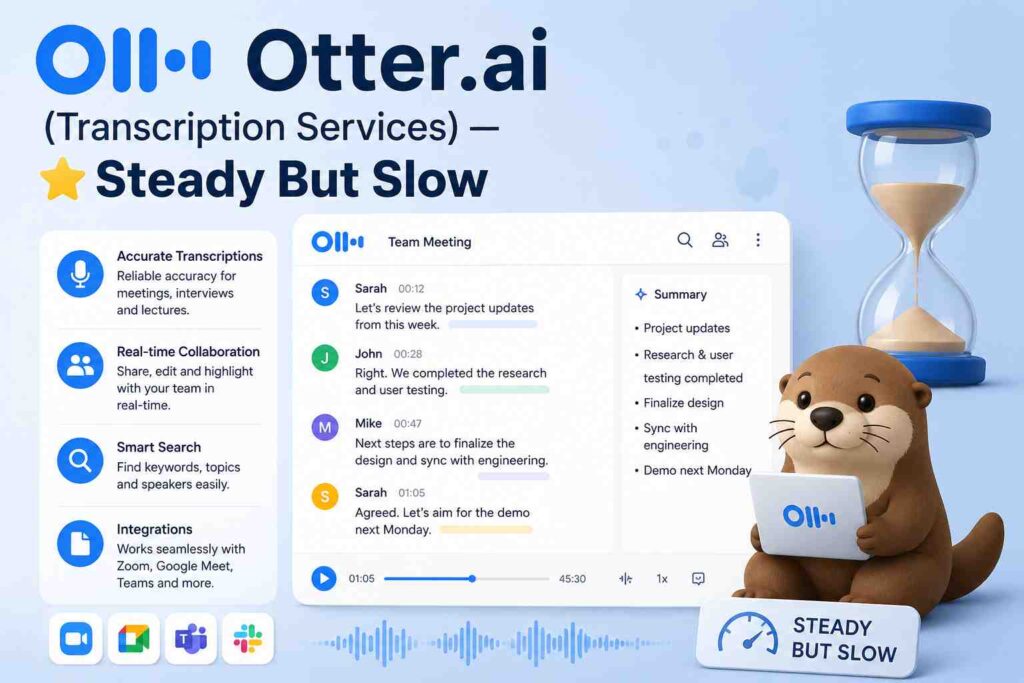
App 5: Otter.ai (Transcription Services) — ⭐ Steady But Slow
What I did: I used Otter.ai to transcribe audio files and offered transcription services to podcasters and small businesses.
What I earned: $35 in 30 days.
Time spent: Moderate. The AI does the heavy lifting but you still need to clean up errors, which takes time.
Otter.ai is genuinely good at transcription but it’s not perfect — especially with accents, background noise, or multiple speakers. Every file needed manual cleanup. I charged $1 per minute of audio, which sounds okay until you realize cleaning up 30 minutes of audio takes about 45 minutes of your time.
Honest take: Works, but you need to price it properly to make it worth your time.
App 6: Copy.ai (Content Writing Service) — ⭐ Meh
What I did: Used Copy.ai to write product descriptions and email copy for e-commerce clients.
What I earned: $28 in 30 days.
Time spent: Medium.
Honestly, Copy.ai is fine but ChatGPT does the same thing better with a good prompt. I ended up switching most of my writing work back to ChatGPT halfway through. The clients couldn’t tell the difference — and neither could I, really.
Honest take: Skip this and just use ChatGPT. Unless you specifically love Copy.ai’s interface.
App 7: Pictory.ai (YouTube/Video Content) — ⭐ Potential But Slow
What I did: I used Pictory’s free trial to turn blog posts into short videos and tried to monetize through YouTube.
What I earned: $0 in 30 days.
Time spent: High — creating videos takes longer than you think.
YouTube takes time. You won’t earn anything in 30 days from a brand new channel. I knew this going in, but I wanted to see how far the free tools could take me in setup and content creation.
Pictory is genuinely useful for making simple videos quickly. But YouTube money requires consistency over months, not weeks.
Honest take: Long game only. Don’t start this if you need money now.
App 8: Taskade AI (Productivity Consulting) — ⭐ Unexpected Winner
What I did: I used Taskade to build workflow templates and SOPs for small business owners, then sold them as consulting packages.
What I earned: $60 in 30 days.
Time spent: Low to medium once I had templates ready.
This one came out of nowhere. I posted in a Facebook group that I help small businesses organize their workflow using AI tools. Two people replied within 24 hours. I used Taskade to build them custom project management templates and charged $30 each.
Simple, clean, and actually valuable.
Honest take: Underrated opportunity. Small businesses desperately need help with organization and are willing to pay for it.
App 9: Writesonic (Blog Writing Service) — ⭐ Okay
What I did: Offered blog writing using Writesonic for clients who needed weekly content.
What I earned: $40 in 30 days.
Time spent: Medium.
Similar story to Copy.ai — it works but it’s not special. The free plan is very limited. I kept running into word limits at the worst times. Again, ChatGPT handled this better with a well-crafted prompt.
Honest take: Fine for beginners but not worth switching from ChatGPT once you know how to prompt well.
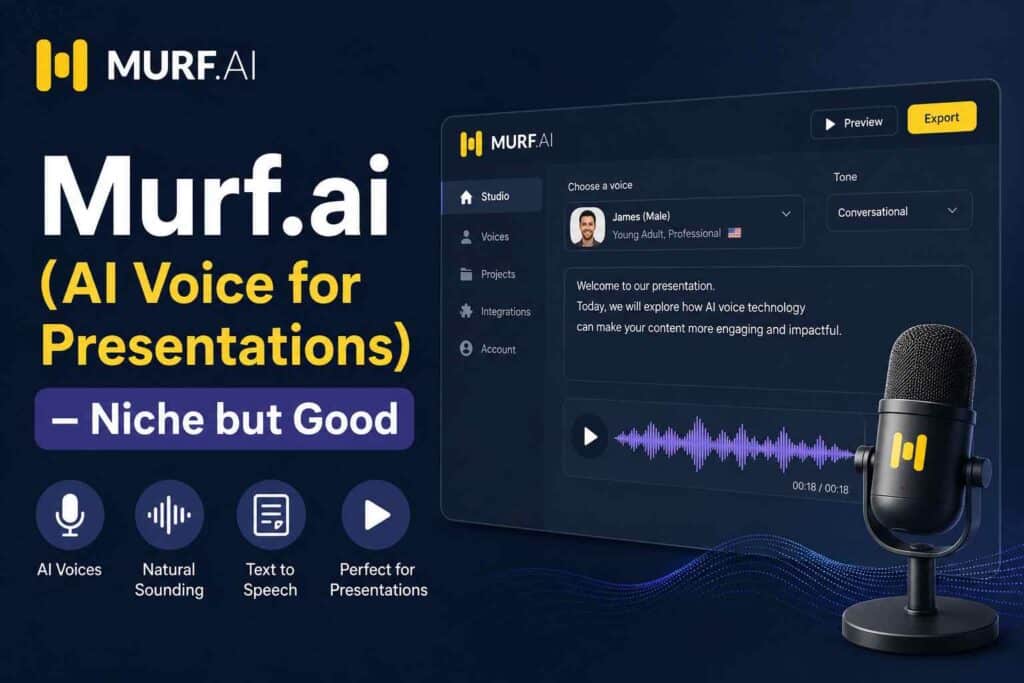
App 10: Murf.ai (AI Voice for Presentations) — ⭐ Niche but Good
What I did: Used Murf.ai’s free plan to add professional voiceovers to PowerPoint presentations for clients.
What I earned: $48 in 30 days.
Time spent: Low.
Corporate clients and small training companies sometimes need professional-sounding presentations with voiceovers. Murf.ai sounds cleaner than ElevenLabs in my opinion for formal content. Got two clients from LinkedIn who needed training material voiced.
Honest take: Very niche, but a good niche. Easy work once you find the right clients.
My Total After 30 Days
Here’s the honest breakdown:
ChatGPT freelancing — $180. Canva templates — $43. ElevenLabs voiceovers — $55. AI art sales — $11. Otter.ai transcription — $35. Copy.ai writing — $28. Pictory/YouTube — $0. Taskade consulting — $60. Writesonic writing — $40. Murf.ai voiceovers — $48.
Total: $500 in 30 days.
And before you ask — yes, this took real work. It wasn’t passive. It wasn’t automatic. It required showing up every day, communicating with clients, editing AI output, and figuring things out as I went.
The Biggest Lessons I Learned
AI tools don’t make money — you do. Every dollar I earned came from a human client who trusted me with a real task. The AI just helped me do it faster and better.
Time tracking changes everything. Some apps looked profitable until I tracked my hours. $28 from Copy.ai sounds okay until you see it took 4 hours — that’s $7 an hour. Not great.
Services beat passive income in the short term. Templates and YouTube are exciting ideas, but in 30 days, active services made me 90% of my money.
The market is crowded for generic stuff. AI art, generic blog posts, simple captions — everyone is doing these. You need to either go more specific or add more human value on top of the AI output.
Client relationships are your real asset. Three of my clients gave me repeat work just because I communicated well and delivered on time. No AI tool taught me that.
What I Would Tell Someone Starting Today
Don’t try all 10 apps at once like I did. Pick two — one for active income and one slow-burn passive thing — and focus hard on those.
Learn how to write good prompts for whatever AI tool you use. This single skill multiplies your output dramatically.
And please, track your time from day one. You’ll make smarter decisions when you can see clearly what’s actually worth your hours.
The tools are out there. They’re free to start. The only real question is — are you willing to put in the work that makes them actually pay off?
Because they can. I just proved it.