Introduction
Two years ago, I was staring at my analytics dashboard at 1 AM, watching my blog traffic flatline at around 200 visitors a day. I’d been writing for almost a year. My posts were decent. My grammar was fine. But nothing was moving.
That night, a friend who runs a much bigger food blog told me something that stuck: “You’re not behind because you write badly. You’re behind because you’re doing everything manually that AI tools can now do in minutes.”
I was skeptical. I thought AI tools were just hype, mostly for lazy content farms. But I gave a few of them a real shot for about three months, and my traffic went from 200 to over 3,000 daily visitors. My AdSense earnings roughly quadrupled in that same period.
This isn’t a “get rich overnight” story, though. I made plenty of mistakes along the way, and I’ll be honest about those too.

Why I Was Stuck Before AI Tools
Before I get into the tools, let me explain what my workflow looked like before.
I’d spend hours researching keywords manually using free tools that gave vague data. Then I’d write a post, publish it, and hope. No real optimization. No idea what readers actually wanted. No system for finding topics people were searching for.
The problem wasn’t effort. I was putting in 4-5 hours per post. The problem was direction. I was writing blind.
The Tools That Actually Changed Things For Me
1. Surfer SEO – For Knowing What Google Actually Wants
This was probably the single biggest game-changer for me.
Before Surfer, I’d write a post about, say, “best budget laptops for students” and just write whatever came to mind. Turns out, Google wanted specific things—comparisons, price ranges mentioned a certain number of times, FAQ sections, headings structured a particular way.
Surfer SEO analyzes the top-ranking pages for your target keyword and gives you a content score based on word count, keyword usage, headings, and structure. You write inside their editor, and the score updates in real time.
How I use it:
- Pick a keyword I want to rank for
- Run it through Surfer’s content editor
- Write my draft while keeping an eye on the score (aim for 70+)
- Adjust headings and add missing topics it suggests
My first post optimized this way jumped to page one within six weeks. Before that, most of my posts sat on page 3 or 4 forever.
Mistake I made: I initially tried to hit a perfect 100 score by stuffing keywords everywhere. The post read awkwardly, and honestly, it didn’t even rank better than my 75-80 score posts. Lesson learned—aim for “good enough,” not “perfect.”
2. ChatGPT – For Outlines, Brainstorming, and Beating Writer’s Block
I know everyone talks about ChatGPT, but here’s how I actually use it (not just “write me a blog post”).
I never let it write my final content word-for-word. Google’s gotten better at flagging generic AI text, and honestly, it just doesn’t sound like me.
Instead, I use it for:
- Brainstorming 15-20 title variations when I’m stuck
- Creating rough outlines so I’m not staring at a blank page
- Explaining technical concepts in simpler terms when I’m writing about something I don’t fully understand yet
- Generating FAQ questions people might actually ask
Then I rewrite everything in my own voice, add my personal experiences, and fix anything that sounds robotic.
Real example: I was writing about “how to clean a washing machine” (random niche post, but it got surprisingly good traffic). I had no idea about the technical cleaning cycle settings. ChatGPT gave me a starting point, I researched further, added my own experience of doing this with my front-loader, and the post now ranks decently for several long-tail keywords.

3. Canva (with Magic Studio AI features) – For Pinterest and Social Traffic
A huge chunk of my traffic—maybe 25%—comes from Pinterest, and Canva’s AI features made creating pins so much faster.
Before, I was spending 20-30 minutes designing each pin manually. Now, Canva’s Magic Design feature generates multiple pin templates based on my content, and I just swap in my images and text.
Step-by-step for what works for me:
- Write the blog post first
- Pick 2-3 key takeaways or hooks from the post
- Use Canva’s Magic Design with a relevant template
- Create 3-4 different pin designs per post (different headlines, same content)
- Schedule them using Tailwind (more on that below)
This alone added a steady stream of traffic that doesn’t depend on Google’s mood swings.
4. Tailwind – For Automating Pinterest Without Living On the App
I used to manually pin content every day, which honestly became exhausting and unsustainable.
Tailwind lets you schedule pins weeks in advance, and it has a “SmartLoop” feature that re-shares your best-performing pins automatically. I batch-create pins once a week (about 1-2 hours) and let Tailwind handle the rest.
Honest take: The free plan is limited, and I was hesitant to pay for it initially. But once I calculated that one viral pin brought in about 15,000 extra visitors over a month, the subscription paid for itself easily.

5. Frase.io – For Finding Content Gaps and Writing Better Intros
This one’s a bit niche, but Frase helped me figure out what questions people were asking that I wasn’t answering.
I’d plug in a topic, and Frase would show me related questions from “People Also Ask” and forums like Reddit and Quora. I started adding FAQ sections to my posts based on this data, and those sections often end up ranking in Google’s featured snippets.
Real result: A post about “how often should you water succulents” started showing up in the featured snippet box after I added a direct, simple answer near the top—something I learned from analyzing what Frase showed me people were actually asking.
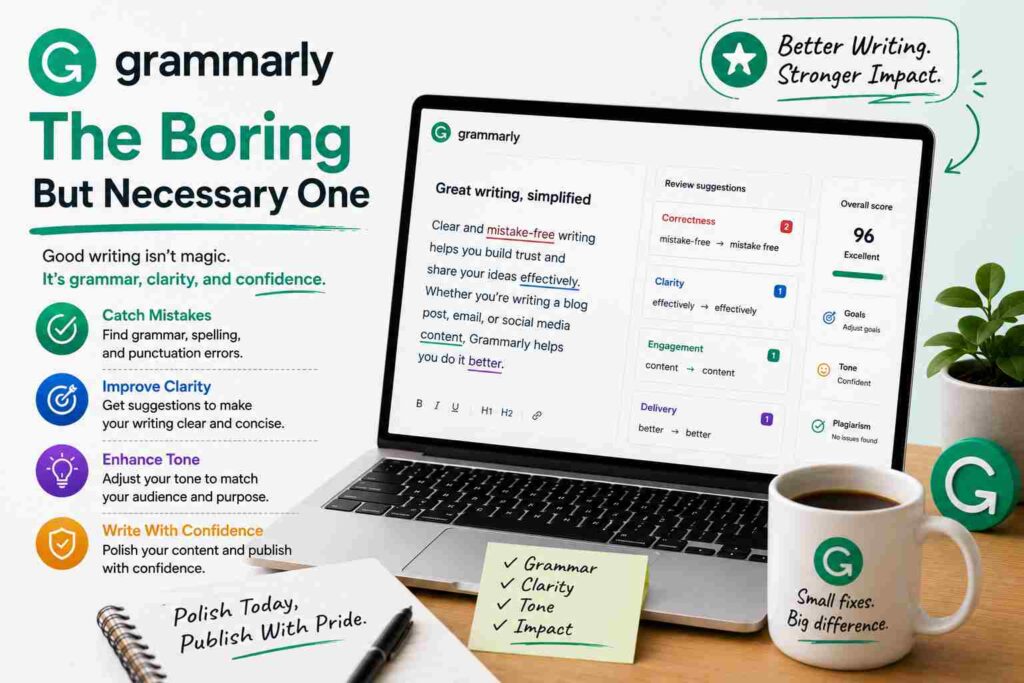
6. Grammarly – The Boring But Necessary One
Not flashy, but I’d be lying if I said it didn’t matter. Grammarly catches typos, awkward phrasing, and readability issues I miss after staring at my own writing for hours.
The free version is honestly enough for most bloggers. I only use the paid version occasionally for tone suggestions.
Common Mistakes I Made (So You Don’t Have To)
Mistake 1: Relying 100% on AI-written content. My first few AI-heavy posts got flagged by Google’s algorithm update in 2024, and traffic on those specific posts dropped noticeably. I had to go back and rewrite them with more personal experience and examples.
Mistake 2: Ignoring AdSense placement and just focusing on traffic. More traffic doesn’t automatically mean more money. I had to experiment with ad placements—auto ads were actually performing worse for me than manually placed ads in specific spots (right after the intro, and mid-content).
Mistake 3: Not tracking which tools actually helped. For the first month, I was using five different tools and couldn’t tell which one was making a difference. I started keeping a simple spreadsheet tracking traffic before and after implementing each tool’s suggestions on specific posts.
Mistake 4: Over-optimizing old posts all at once. I rewrote 20 posts in one week using Surfer’s suggestions, and Google seemed to get confused—some rankings temporarily dropped before recovering. Now I space out major updates.
A Realistic Timeline of What Happened
- Month 1: Implemented Surfer SEO on new posts, used ChatGPT for outlines. Traffic was still around 200-400/day.
- Month 2: Started Pinterest strategy with Canva + Tailwind. Traffic jumped to 800-1,200/day.
- Month 3: Older posts optimized with Frase’s content gap analysis started ranking better. Traffic hit 2,500-3,000/day consistently.
Earnings followed traffic, roughly. My AdSense revenue went from about $40/month to around $180-220/month by month three. Not life-changing money yet, but a real, measurable trend in the right direction.
What I’d Tell Someone Just Starting Out
Don’t try all these tools at once. I made that mistake and got overwhelmed.
Start with one—I’d personally recommend either Surfer SEO if you can afford it, or just ChatGPT (free version) for outlining and brainstorming if budget’s tight.
Give it a real month before judging results. SEO doesn’t work overnight, and neither does Pinterest traffic.
And please, don’t just copy-paste AI content and hit publish. Add your own voice, your own mistakes, your own little details. That’s honestly what makes content rank and what makes people actually trust what you’re saying.
If you’re stuck where I was—decent content, no traffic—pick one tool from this list, actually use it properly for a month, and track what happens. That’s literally all I did, and it worked.