I made my first sale almost by accident.
Back in late 2022, I was messing around in the Midjourney Discord server, mostly to procrastinate on actual client work. I typed something like “a fox wearing samurai armor, standing in a bamboo forest, moody lighting” and got back an image that genuinely stopped me for a second. I posted it on Instagram just to show off. Two days later, a stranger DM’d me asking if they could buy a print of it for their living room.
I said sure, charged them $25 for a print I sent off to be made through an online print shop, and that was that. No business plan, no Etsy shop, nothing. Just a random sale that planted an idea: maybe there’s actually money in this.
Fast forward a few years, multiple shops, a couple of suspended listings, and a lot of trial and error later — here’s everything I actually learned about turning AI-generated images into real income. Not hype, not “quit your job” promises. Just the practical stuff.
What selling AI art actually means in 2026
When people hear “sell AI art,” they usually picture NFTs or some sketchy crypto thing. That’s mostly dead now. The real opportunities are way more boring and way more sustainable:
Print-on-demand (POD) — you design something, it gets printed on a mug, shirt, poster, or phone case only when someone buys it. You never touch inventory.
Digital downloads — planners, coloring pages, wall art prints, social media templates, even AI-illustrated ebooks that buyers download and use themselves.
Stock and licensing — submitting illustrations to marketplaces like Adobe Stock, where businesses pay to license your image for their own projects.
Custom commission work — pet portraits, fantasy character art, personalized gifts, where you use AI as part of your workflow but the buyer is really paying for a custom result.
None of these are passive income in the way influencers love to claim. Every single one of them requires ongoing curation, listing optimization, and actual taste. That part surprised me the most — the bottleneck was never the AI. It was knowing what to make and how to present it.
Step 1: Pick a tool, and actually read what it lets you do
This is the step almost everyone skips, and it’s the one that gets people’s shops shut down.
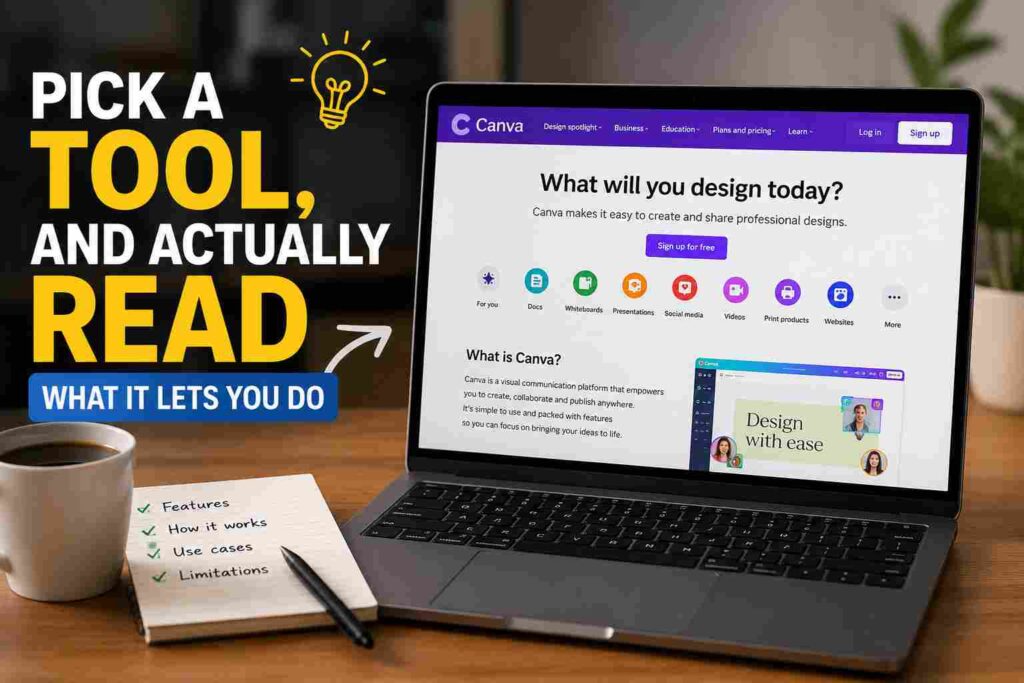
I started with Midjourney because it was the most popular at the time, and honestly it’s still my go-to for atmosphere and detail. A paid Midjourney subscription (the plans currently run from around $10 a month up to $120 for the higher tiers) gives you commercial rights to the images you create. The free trial does not — those images are for personal use only, so if you’re generating on a free account and slapping it on a t-shirt to sell, you’re already breaking the terms.
I also use ChatGPT’s image tool and Adobe Firefly depending on the job. Firefly is trained specifically on licensed Adobe Stock content and public domain material, which makes it the safer pick if you’re worried about a generator’s training data causing headaches down the line. For more technical control, a lot of sellers I know use Stable Diffusion through tools like Leonardo.Ai or locally through ComfyUI, since you can fine-tune styles and keep full ownership of the output without any subscription tier games.
Whichever tool you pick, go read its actual commercial use page once. Not a blog post about it — the real terms page. It takes ten minutes and saves you from finding out the hard way that your “commercial rights” only kick in above a certain subscription tier.
Step 2: Understand the copyright gray zone before you build a whole business on it
This part isn’t fun, but it matters more than any prompt technique I could teach you.
In the US, purely AI-generated images — the kind where you type a prompt and the tool spits out a finished picture with no real editing afterward — currently can’t be copyrighted. This got confirmed pretty firmly when the Supreme Court declined to take up the Thaler v. Perlmutter case in early 2026, which left in place the ruling that AI output without meaningful human authorship doesn’t qualify for copyright protection.
What that means practically: you can absolutely sell the image. Nobody’s stopping you. But you also can’t really stop someone else from grabbing your exact image and reselling it themselves, because there’s no copyright there to enforce.
The workaround most working sellers use is simple — don’t sell the raw output. Bring it into Photoshop or Affinity, fix the weird hands, adjust colors, add your own texture or composition elements, combine multiple generations into one piece. The more human work you stack on top, the stronger your claim to that specific finished piece. I learned this the slow way after finding one of my “best sellers” reposted on three different print-on-demand storefronts that weren’t mine, with nothing I could really do about it.
Step 3: Choose where you’re actually going to sell
Different platforms want different things, and what works on one will get flagged on another.
Etsy is where most beginners start, and it’s still solid, but Etsy tightened its rules in 2025 and 2026. You’re now required to disclose AI involvement directly in your listing description, and you have to select “Designed by” rather than “I made it” or “Handmade” in the listing details. Etsy also banned selling raw prompt packs — you have to sell the finished art, not the instructions for making it. If you use a print fulfillment partner like Printify or Printful, you need to disclose that too. None of this is hard to comply with, but skipping it is how shops get suspended without warning.
Redbubble, TeePublic, and Society6 are more hands-off about AI specifically, since they’re set up as marketplaces where you upload a design and they handle printing and shipping entirely. Commissions per sale are lower than running your own Etsy shop, but there’s zero setup friction.
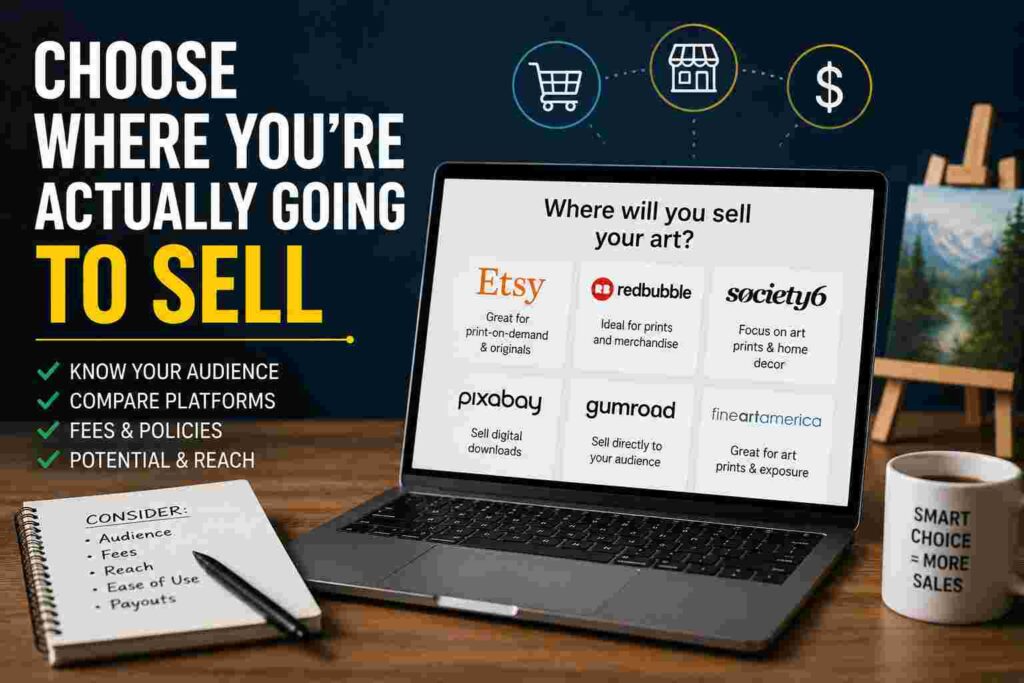
Adobe Stock actively accepts AI-generated submissions as long as you check the “created using generative AI” box and don’t reference real people, brand names, or copyrighted characters in your prompts or keywords. I’ve had decent luck here with simple, clean illustrations — backgrounds, icons, conceptual images businesses actually need for presentations and websites.
Shutterstock is trickier. Its contributor policy has historically barred AI-only submissions outright, treating it differently from Adobe’s approach, though platform policies in this space shift fast, so check their current contributor agreement before assuming either way.
Gumroad or your own simple storefront works well for digital downloads like printable wall art, planner inserts, or illustrated templates, especially once you have an audience following you somewhere like Instagram or Pinterest.
Step 4: Generate with a plan, not a slot machine
My early mistake was treating Midjourney like a slot machine — generate fifty random fantasy wolves, hope one of them sells. It doesn’t work that way. Generic fantasy art, “inspirational” quote posters, and anything that screams “default AI aesthetic” is already flooding every marketplace.
What actually moved product for me was picking a specific, slightly weird niche and going deep on it. A friend of mine does nothing but AI-generated vintage botanical illustrations for nursery wall art — boring-sounding, sells consistently. I had better luck with retro travel poster styles for specific, named cities than I ever did with generic fantasy scenes.
A simple workflow that’s worked for me:
- Pick one narrow theme (not “nature art” — something like “minimalist mid-century desert landscapes”).
- Generate 15 to 20 variations with consistent style settings so they look like a cohesive collection, not random one-offs.
- Pick your best 3 to 5, not all 20. Curation is the actual skill here.
- Upscale the finalists — I use Topaz Gigapixel for this, since most generators output images too small for a quality print.
- Open the upscaled image in Photoshop and fix the obvious AI tells: warped text, strange hands if there are figures, weird asymmetry, fake-looking signatures the model sometimes hallucinates into a corner.
- Build mockups (Canva and Placeit both have simple mockup generators) so buyers can picture it on their wall or shirt before buying.
- Write an honest, specific listing description, including your AI disclosure where the platform requires it.
Real examples of what’s actually selling
A few patterns I’ve watched work, beyond my own shop: pet portraits where the buyer sends a photo of their dog or cat and gets back a stylized illustration — this leans more on commission-style service than pure “browse and buy.” Niche poster series, like national park art or city skyline collections, where buyers want the whole set. Coloring book pages for adults, sold as digital downloads, which sidestep printing costs entirely. Stock conceptual illustrations for blog headers and presentation slides, sold through Adobe Stock, where the buyer just needs “an image that represents teamwork” and doesn’t care that it’s AI-made.
The common thread isn’t the tool. It’s specificity and usefulness. Nobody’s browsing Etsy at 11pm looking for “generic dragon art #4,892.”
Mistakes I’d genuinely tell you to skip
I priced my first prints at $8 to seem competitive, forgot to account for Etsy’s listing fee, transaction fee, payment processing cut, and the print cost itself, and realized I was making about ninety cents per sale. Do the math on every cost before you set a price, not after.
I listed a wall art print without checking the actual pixel dimensions against the print size, and it came out visibly blurry at 18×24 inches. Always generate or upscale to at least 300 DPI at your intended print size before listing physical products.
I assumed “I made the prompt” meant “I made it” for Etsy’s purposes and got a listing removed for missing disclosure. Just include the disclosure line every time — it takes one sentence and protects your whole shop.
I uploaded a batch of forty similar-looking AI images to one shop in a single day because I was excited, and got flagged for what Etsy calls “spam farm” behavior. Slower, more deliberate uploads with real variation between pieces look far less like a content farm and far more like an actual creative shop.
I tried submitting work to Shutterstock without checking their AI policy first and got a flat rejection. Read the actual contributor rules for wherever you’re submitting before you build a whole catalog around a platform that might not even accept the content type.
Where I’d actually start if I were you
If you’re brand new to this, don’t try to do everything at once. Pick one tool, pick one narrow niche you actually find interesting, and pick one selling platform. Make a small batch, list it properly with disclosure included, and watch what happens before scaling up.
This isn’t a way to get rich overnight, and anyone telling you otherwise is selling you a course, not a real strategy. It’s a legitimate creative side income if you treat the curation, the legal disclosure stuff, and the listing quality as seriously as the actual image generation. The AI does the heavy lifting on the visual; everything that turns it into an actual business is still on you.