A few months ago, my cousin called me in a panic. She’d just gotten laid off from her admin job and was scrolling through “make money online” videos at 1am, convinced everything was either a scam or required some computer science degree she didn’t have.
I told her to chill out, opened my laptop, and showed her three things I’d set up over a single weekend that were already making small but real money. No coding. No fancy degree. Just AI tools doing repetitive tasks that businesses are desperate to outsource.
She thought I was messing with her. I wasn’t.
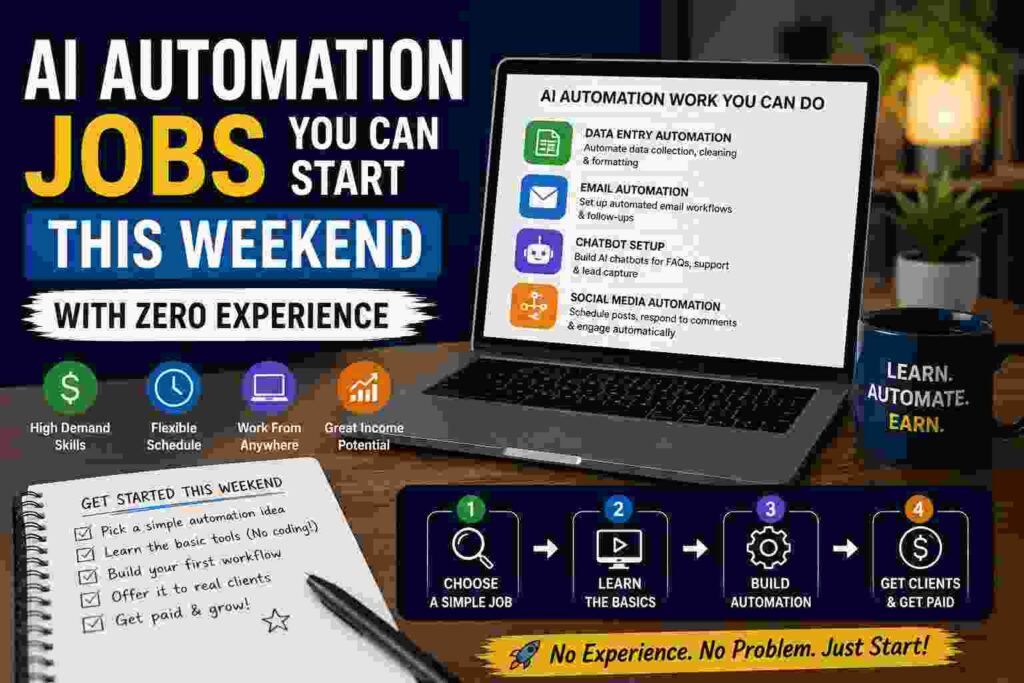
Why “AI Automation” Isn’t as Scary as It Sounds
When people hear “automation,” they picture some Silicon Valley engineer writing Python scripts. That’s not what I’m talking about here.
Most AI automation jobs right now are about connecting tools that already exist — things like ChatGPT, Zapier, and Make.com — so they do a task automatically instead of a human doing it manually every time.
Think of it like building a really simple assembly line. You’re not the factory worker. You’re the person who sets up the conveyor belt once, and then it just runs.
Businesses will pay for this because it saves them hours every week. And most of them have no idea how to set it up themselves.
What I Actually Built in One Weekend
I’m going to walk through the exact things I did, because “AI automation” is such a vague term that it’s almost useless without examples.
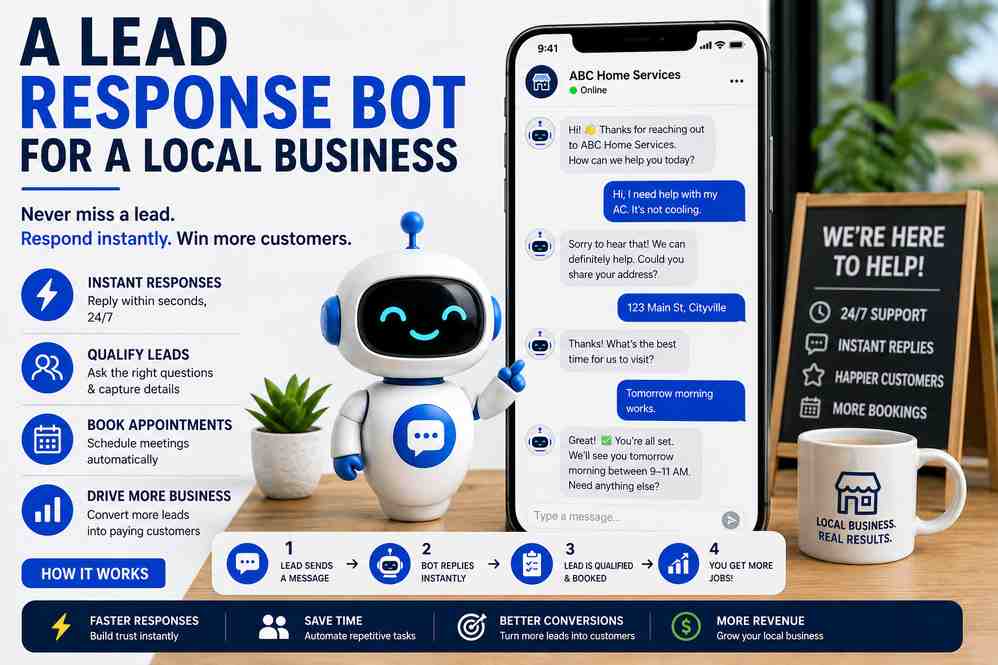
1. A Lead Response Bot for a Local Business
A friend runs a small landscaping company. Every time someone filled out his website’s contact form, he’d take hours (sometimes days) to respond. By then, half the leads had already hired someone else.
I used Zapier to connect his website form to ChatGPT (via the OpenAI API) and his email. The moment someone submitted a form, the automation would:
- Pull their message
- Generate a personalized reply draft using AI
- Send it to his email for a one-click approval
He went from responding in days to responding in minutes. I charged him a flat $150 to set it up, plus $50/month to maintain it.
It took me about four hours, most of which was just figuring out Zapier’s interface for the first time.
2. Automated Social Media Captions for a Small Brand
A skincare brand I found on Instagram was clearly struggling with consistency — posting once every two weeks with captions that looked copy-pasted from a 2015 marketing course.
I built a simple system using Make.com (it’s like Zapier but with more flexibility) that pulled their product descriptions from a Google Sheet, ran them through ChatGPT with a specific prompt for tone and style, and dropped finished captions into a content calendar.
They didn’t need me to write their captions anymore. They needed me to build the system that wrote drafts for them.
I charged $200 for setup. Not life-changing money, but for four hours of work on a Saturday? I’ll take it.
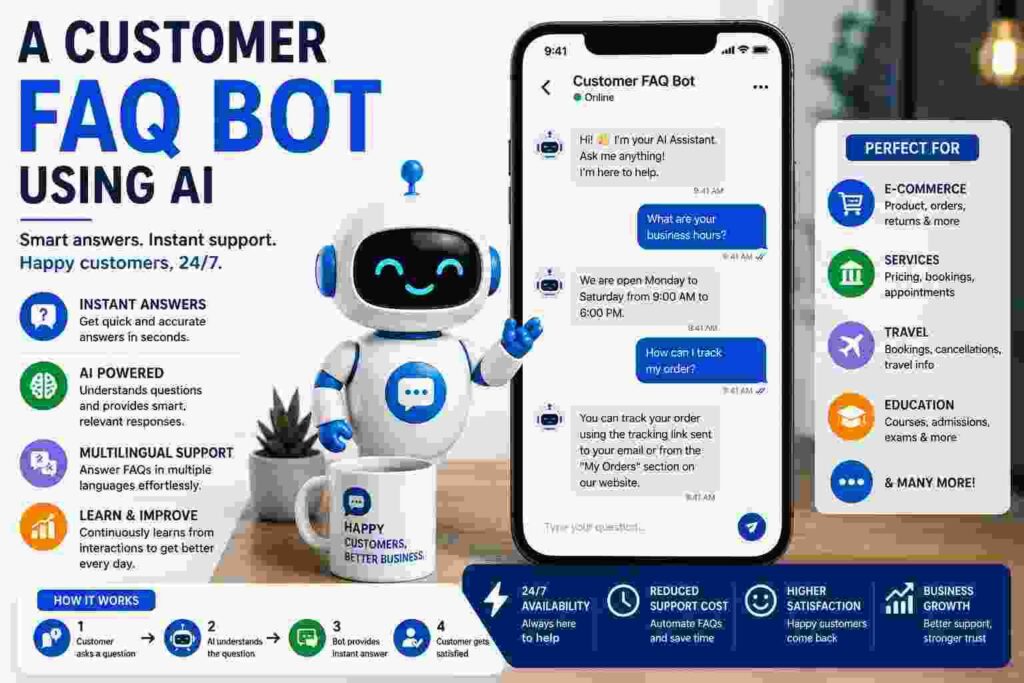
3. A Customer FAQ Bot Using AI
This one surprised me with how in-demand it is. Small business owners get the same five questions over and over — “what are your hours,” “do you ship to my area,” “what’s your return policy.”
Using Tidio (which has built-in AI chat features) and a bit of ChatGPT-assisted scripting, I set up a simple chatbot for an online store that answered these repeat questions automatically. The owner didn’t have to lift a finger after setup.
This one took the longest — about six hours including testing — but it’s also the easiest to resell to other businesses once you’ve built the template.
Step-by-Step: How to Start This Weekend
If you want to actually try this, here’s the order I’d do it in.
Step 1: Learn Zapier or Make.com (2-3 hours) Don’t skip this. Watch a few YouTube tutorials specifically on “Zapier for beginners.” You don’t need to master it — just understand triggers and actions. A trigger is “when this happens,” an action is “do this.”
Step 2: Pick one annoying, repetitive task Don’t try to automate someone’s entire business. Pick ONE thing — responding to leads, writing social captions, answering FAQs, summarizing customer reviews. Small and specific wins.
Step 3: Build it for yourself or a friend first Before charging anyone, build a version for free for someone you know. This is how I learned what breaks (a lot does, the first time).
Step 4: Screen record the result Once it works, record a 60-90 second video showing the before/after. This becomes your pitch to actual clients.
Step 5: Find your first paying client Local Facebook business groups, small business owners on Instagram, or even just people in your existing network. I literally got my landscaping friend just by mentioning what I was working on at a barbecue.
Step 6: Charge a flat setup fee + optional monthly maintenance This is the model that worked for me. A one-time setup fee removes the pressure of ongoing deliverables, and a small monthly fee (even $30-50) creates recurring income without much extra work.
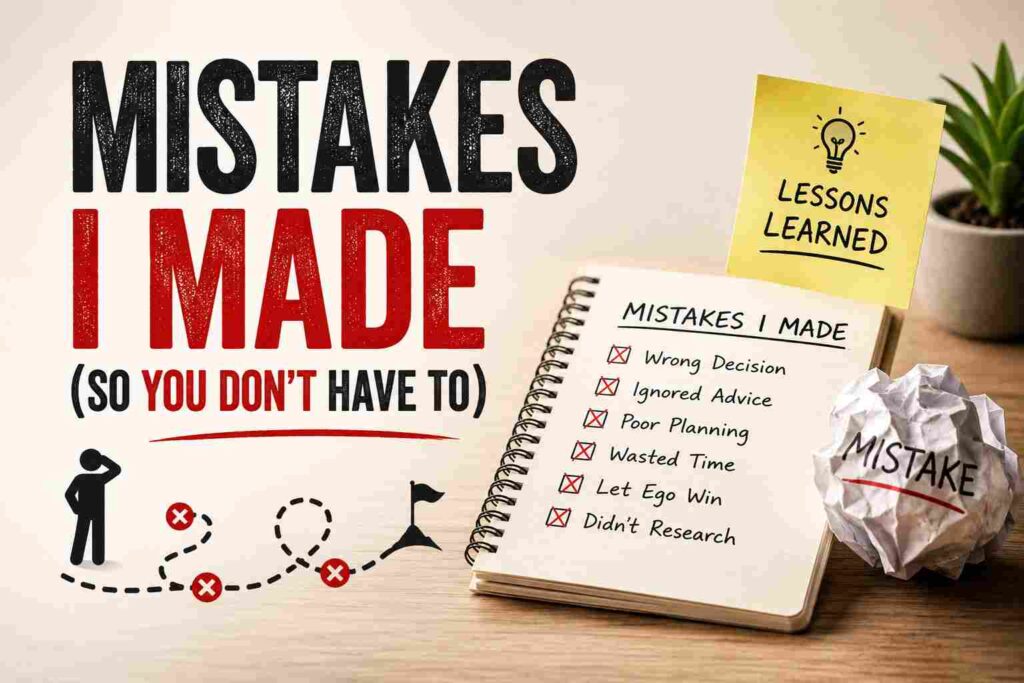
Mistakes I Made (So You Don’t Have To)
I underpriced everything at first. My first automation job, I charged $50 for something that took me five hours including the learning curve. Once I knew what I was doing, that same job took me 45 minutes. Price for the value delivered, not just the hours.
I didn’t test edge cases. The landscaping lead-response bot once replied to someone who’d written an angry complaint as if it were a regular lead inquiry. Awkward. Now I always test with weird, unexpected inputs before handing anything off.
I tried to build something too complex for my first project. My second attempt was an automation that was supposed to handle invoicing, follow-ups, AND lead scoring all at once. It broke constantly. I scrapped it and rebuilt as three separate, simpler automations instead.
I forgot to explain things in plain English to clients. Business owners don’t care about “webhooks” and “API calls.” They care about “your customers get faster replies.” Keep the pitch about outcomes, not mechanics.
Tools Worth Knowing About
- Zapier — best for beginners, huge library of pre-built templates
- Make.com — more powerful once you’re comfortable, slightly steeper learning curve
- ChatGPT (via API or just the regular app) — the “brain” behind most of these automations
- Tidio / Chatbase — good for building simple AI chatbots without coding
- Airtable or Google Sheets — usually the “database” piece that holds your data
- Loom — for recording your demo videos to pitch clients
None of these require programming knowledge. They’re all built with regular people in mind.
A Quick Reality Check
I’m not going to pretend this turns into a six-figure business overnight. My first month doing this on the side, I made around $400 total from three small projects. It’s not nothing, but it’s also not the “AI millionaire” stuff you see in clickbait videos.
What it IS, though, is a legitimate skill that businesses genuinely need right now. Most small business owners have heard of ChatGPT but have no idea how to actually use it to save time. If you can bridge that gap, even a little, people will pay you for it.
Final Thoughts
My cousin ended up trying this herself. Her first automation — a simple appointment reminder system for a local dentist using Zapier and ChatGPT — took her most of a Sunday afternoon and a lot of frustrated texts to me asking why something wasn’t working.
But she got it done. And she got paid for it.
You don’t need a tech background. You need patience for one frustrating Saturday afternoon, a willingness to mess things up a few times, and someone willing to be your first (probably underpaid) test client.
Start small. Pick one annoying task. Build it badly the first time, then build it better. That’s really the whole .