44I almost didn’t buy my first AI subscription. $20 a month felt steep for something I wasn’t even sure would work. I remember sitting there, cursor hovering over the “subscribe” button, thinking I was about to waste money on a glorified autocomplete.
Three days later, that same tool saved me close to six hours of writing work. By the end of the week, it had basically paid for an entire month’s worth of subscriptions on its own.

That moment kind of flipped a switch for me. I stopped looking at AI tools as expenses and started looking at them as employees — ones that work for pennies on the dollar compared to hiring a real person.
Since then, I’ve tested a stack of AI tools across writing, design, customer support, and admin work. Most were forgettable. A few were genuinely useless for what I needed. But five of them earned their spot in my monthly budget within seven days of using them. Here’s exactly which ones, and why.
Why “Pays for Itself” Actually Matters
Before I get into the list, I want to be upfront about something. A lot of “AI tools that make you money” articles are vague. They’ll say a tool “boosts productivity” without explaining what that actually means in dollars or hours.
I’m going to be specific. For each tool, I’ll tell you what I was doing before, what changed after, and roughly how much time or money it saved me in real terms.
That’s the only way “pays for itself” means anything.
1. ChatGPT (Plus Plan) — For Client Communication and Content Drafts
I was spending close to an hour a day just writing emails. Client updates, proposal follow-ups, social captions — small stuff individually, but it added up fast.
I started using ChatGPT to draft first versions of everything. Not to copy-paste blindly, but to get a rough draft I could edit in two minutes instead of writing from scratch in fifteen.
What changed: My daily email and content writing time dropped from about an hour to maybe 20 minutes. Over a week, that’s nearly 5 hours back.
Real math: If you value your time at even $15/hour (a conservative freelance rate), that’s $75 worth of time saved in week one — against a $20 subscription.
Mistake I made early on: I used to ask ChatGPT really vague things like “write me an email.” The output was generic and I’d end up rewriting most of it anyway. Once I started giving it actual context — who the email’s for, what tone I want, what the goal is — the drafts got dramatically better and needed way less editing.

2. Canva (with Magic Studio AI features) — For Quick Design Work
I’m not a designer. Never claimed to be. But every business needs social graphics, simple flyers, and the occasional thumbnail.
Before Canva’s AI features, I was either paying a freelancer $15-25 per graphic or spending way too long fumbling through templates myself.
What changed: The Magic Studio tools — background remover, text-to-image, and the “Magic Design” template generator — cut my design time roughly in half. What used to take 30-40 minutes per graphic now takes 15-20.
Real example: I needed 8 social posts for a client launch week. Normally that’s a 5-hour job. With Canva’s AI tools doing the heavy lifting on layout and background work, I finished in just under 2.5 hours.
Lesson learned: The AI background remover is genuinely impressive, but the AI image generator inside Canva isn’t great for anything client-facing yet — the results look obviously AI-generated. I use it for internal mockups, not final assets.
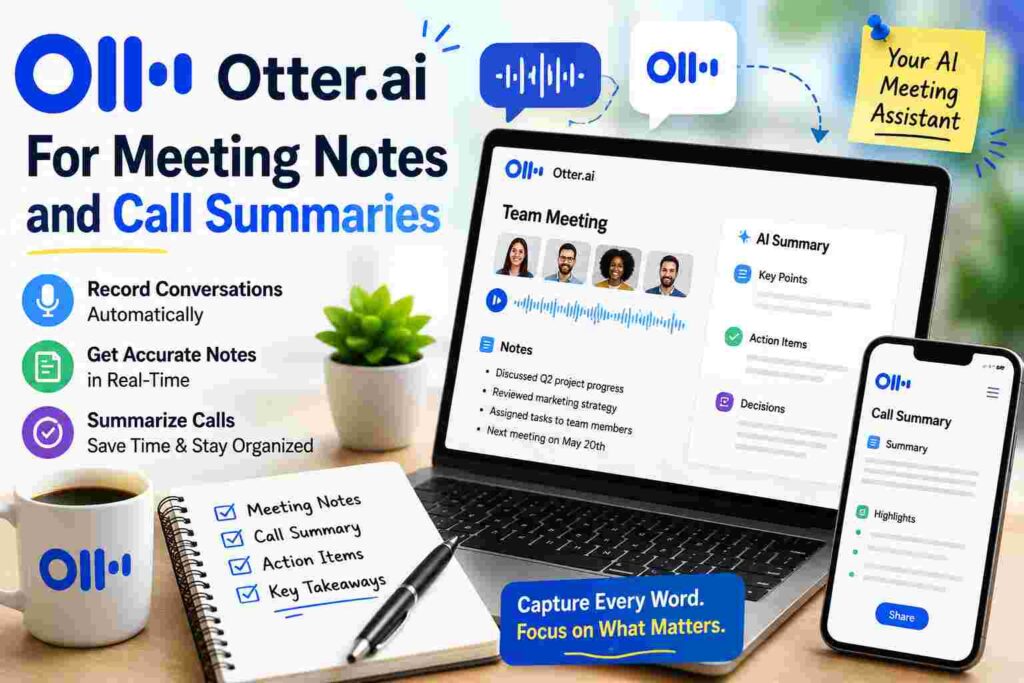
3. Otter.ai — For Meeting Notes and Call Summaries
This one surprised me the most. I didn’t think I needed it until I tried it.
I used to take meeting notes manually during client calls, which meant I was half-listening while scribbling, and I’d often miss important details. Then I’d spend another 15-20 minutes after each call typing up a clean summary.
What changed: Otter records and transcribes the call automatically, then gives me an AI-generated summary with action items pulled out. I just review it, tweak anything that’s off, and send it.
Time saved: About 15 minutes per call, and I now have 4-5 client calls a week. That’s over an hour a week, easily, plus better notes than I was taking manually anyway.
Unexpected bonus: Having an actual transcript saved me once when a client claimed they never agreed to a deadline. I pulled the exact line from the call. That alone justified months of the subscription.
4. Zapier (with AI-powered Zaps) — For Repetitive Admin Tasks
This is the one that felt the most “behind the scenes,” but honestly delivered the biggest long-term value.
I had a handful of repetitive tasks: moving form submissions into a spreadsheet, sending welcome emails to new leads, tagging emails by topic. Small tasks, but they ate into my day in tiny annoying chunks.
What changed: I set up a few Zaps (automated workflows) that use AI steps to read incoming messages, categorize them, and trigger the right action — like sorting a lead into “hot,” “cold,” or “just browsing” based on what they wrote.
Step-by-step of what I actually built:
- New form submission comes in
- Zapier’s AI step reads the message and categorizes intent
- If it’s a hot lead, it gets added to my CRM and I get a Slack ping
- If it’s a cold lead, it goes into a nurture email sequence automatically
Time saved: Maybe 30-45 minutes a day that used to go into manually checking and sorting incoming leads.
Honest downside: Setting this up the first time took about 2 hours, and I definitely messed up the logic once — a hot lead got tagged as cold because of a wording quirk in my filter. Worth fixing once you catch it, but don’t expect it to be perfect on day one.
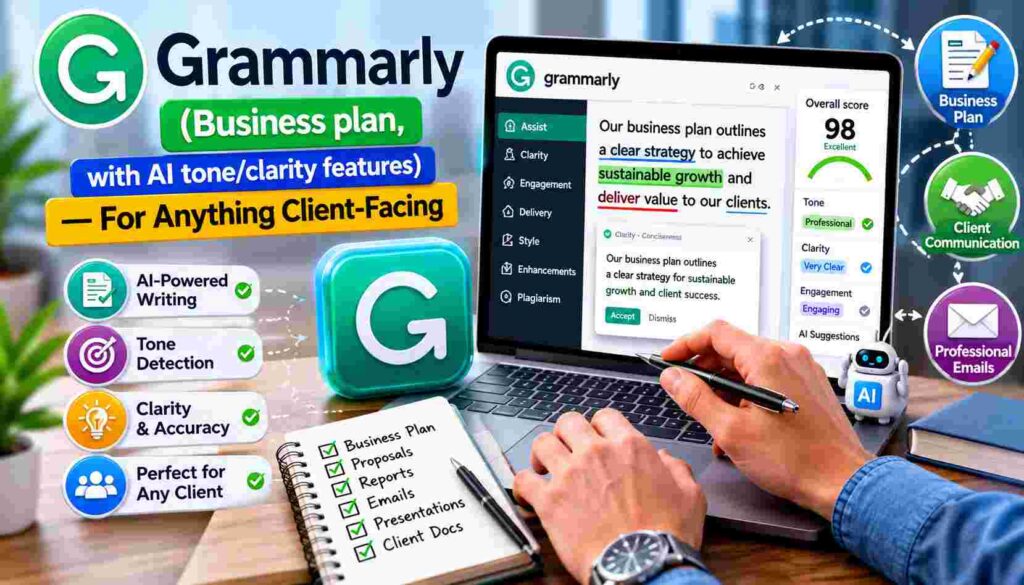
5. Grammarly (Business plan, with AI tone/clarity features) — For Anything Client-Facing
I used to think Grammarly was just spellcheck. I was wrong.
The AI-powered tone detector and clarity suggestions caught things a basic spellcheck never would — sentences that sounded too aggressive, proposals that buried the main point, emails that came off colder than I intended.
What changed: Fewer awkward client misunderstandings. One specific case: I almost sent an email that, after Grammarly flagged the tone, I realized sounded passive-aggressive. I wasn’t even trying to be — it just read that way. Caught it before sending, avoided an uncomfortable conversation.
Real value: Hard to put an exact dollar number on “avoided client friction,” but I’d estimate it’s saved at least one strained client relationship, which is worth way more than the subscription cost.
Common Mistakes People Make With AI Tools (I Made Most of These)
Subscribing to too many tools at once. I went through a phase where I had six different AI subscriptions running, half of which I barely opened. Start with one or two, actually use them daily, then add more.
Expecting AI to do 100% of the work. Every tool on this list still needs human editing and judgment. The value isn’t “replace yourself,” it’s “remove the boring 70% so you can focus on the important 30%.”
Not tracking actual time saved. It’s easy to feel like a tool is helping without knowing if it actually is. I started keeping a rough note of how long tasks took before and after. That’s the only way I could confidently say these five tools paid for themselves.
Skipping the setup step. Tools like Zapier need an hour or two of setup to actually save you time later. If you skip that and just poke around for five minutes, you won’t see the payoff.
How to Test This for Yourself This Week
If you want to actually verify whether an AI tool is worth it for you, here’s what I’d do:
- Pick one repetitive task you do daily (writing emails, designing graphics, taking notes)
- Time how long it normally takes you, for 2-3 days
- Try the relevant AI tool for the same task
- Time it again
- Compare — if the time saved, valued at your hourly rate, beats the subscription cost, keep it
That’s genuinely it. No guesswork, no vague “productivity boost” claims — just real numbers from your own week.
I’m not saying every AI tool out there is worth paying for. A lot of them aren’t. But the ones that actually save you real hours on real tasks? Those aren’t expenses anymore. They’re the cheapest employees you’ll ever hire, and most of them work 24/7 without complaining.
Try one this week. Track the time. You’ll know within a few days whether it earns its keep.