Introduction
Six months ago, I had a problem most freelancers would recognize immediately. My calendar was full, my clients were happy, but my bank account wasn’t growing the way it should have been. I was working 9 to 10 hours a day and still felt behind. The math just didn’t work — there are only so many hours you can sell.
Then I started rebuilding how I worked, tool by tool, using AI. Not in a dramatic “everything changed overnight” way. More like slowly realizing I’d been carrying heavy luggage up a hill when there was a perfectly good elevator nearby.
This article is about what actually changed, what didn’t, and how you can start doing the same — whether you’re a writer, designer, developer, marketer, or any other kind of freelancer.
Why Freelancers Burn Out Fast
The traditional freelancing model has a ceiling built into it. You charge per hour or per project. To earn more, you either raise your rates or take on more work. Most people default to more work — and that’s where the trap is.
More work means more communication, more revisions, more admin, more mental load. Before long you’re spending 3 hours a day just on emails, proposals, and invoices. That’s nearly 60 hours a month of unpaid time that most freelancers never count.
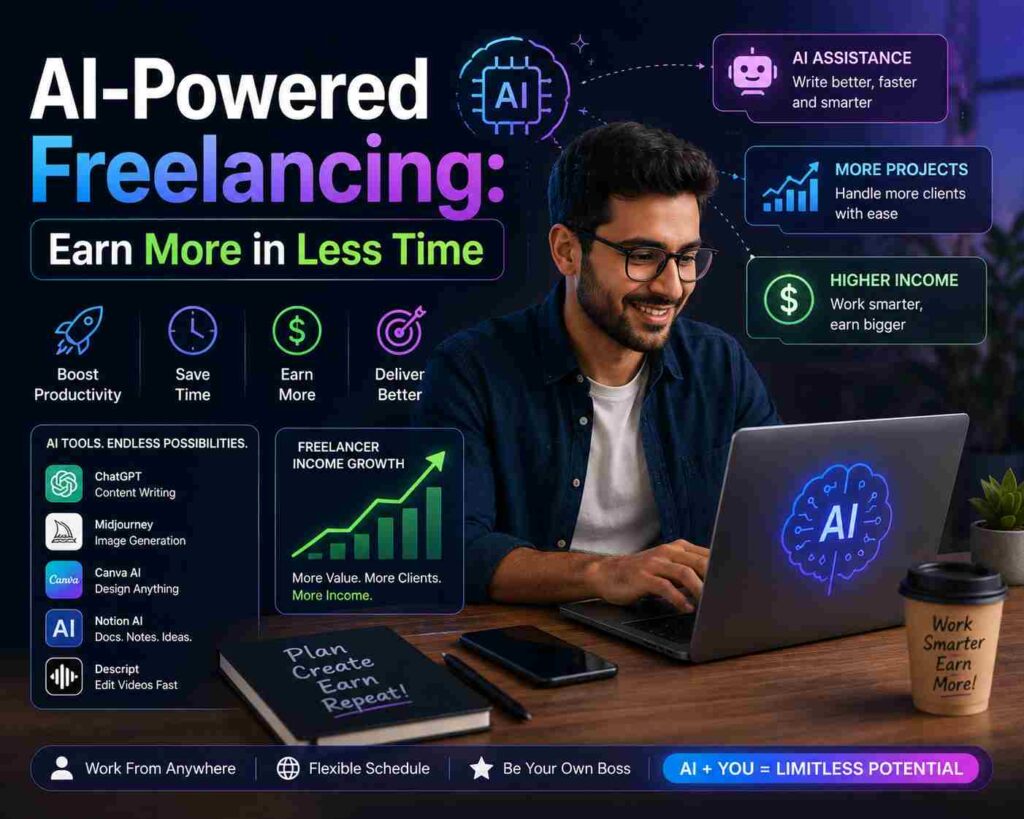
AI doesn’t magically remove all of that. But it compresses it significantly. Tasks that used to take me 2 hours now take 30 minutes. And those recovered hours compound over a week, a month, a year.
Where AI Actually Saves Freelancers Time
Let me get specific, because “use AI to save time” is the kind of advice that sounds good but means nothing without examples.
Writing and communication
Every freelancer writes constantly — proposals, emails, project briefs, follow-ups, revision notes. Most of it follows predictable patterns. AI handles the first draft of almost all of it.
I use Claude to draft client proposals now. I paste in the job description, my relevant experience, and a few notes about my approach. It gives me a solid starting draft in 30 seconds. I spend 10 minutes personalizing it and it goes out. My proposal-writing time dropped from 45 minutes per proposal to about 12.
The same applies to emails. Difficult client conversations, rate increase announcements, scope creep pushback — I describe the situation to Claude, ask for a professional but firm draft, and edit from there. It’s not about being lazy. It’s about not staring at a blank screen when you’re already mentally tired from actual work.
Research
Before starting any new project, there’s always research involved. Understanding a client’s industry, their competitors, their audience. This used to take hours. Now I use Perplexity AI for research — it searches the web and gives me summarized, sourced answers in minutes. Not perfect, but it cuts research time by 60 to 70 percent easily.
Content creation and editing
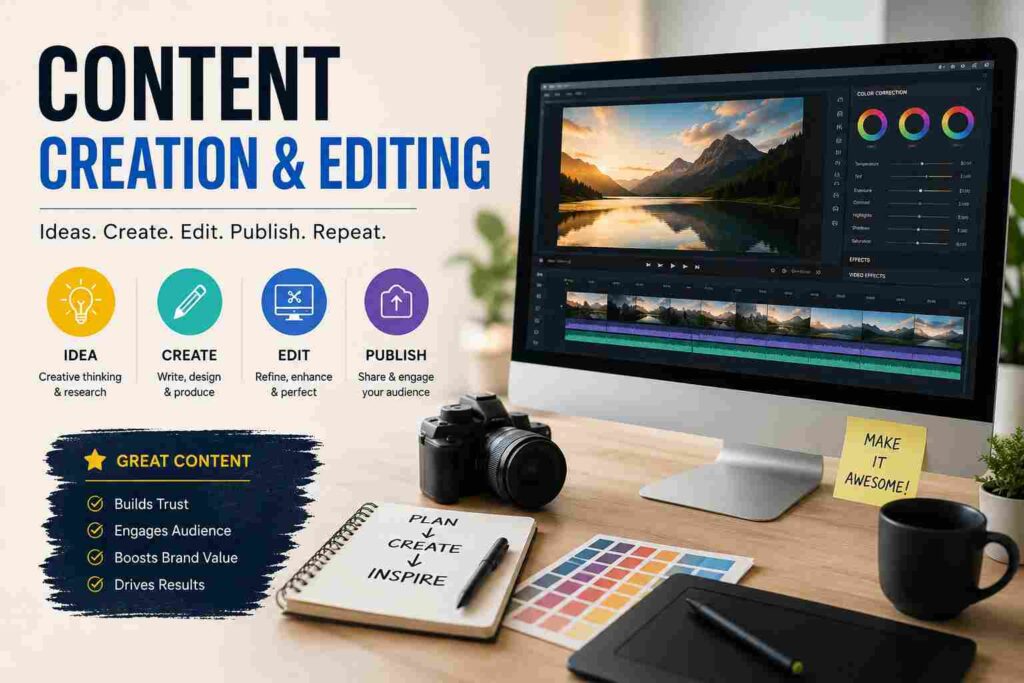
If you’re a content writer or copywriter, this is where AI changes the game most obviously. The key — and I cannot stress this enough — is to use AI for structure and first drafts, never for final output. Clients hire you for your voice, your judgment, your expertise. AI gives you the scaffolding. You build the actual thing.
My current workflow: I outline the piece myself, generate a rough draft with ChatGPT or Claude, then rewrite heavily. The final article is maybe 20 to 30 percent original AI text. The rest is me. But I got there in half the time.
Design and visuals
Freelance designers are using Midjourney and Adobe Firefly to generate concept art, mood boards, and initial visual directions for clients. Instead of spending 4 hours creating 3 concepts from scratch, they spend 1 hour generating 10 directions, filtering to the 3 strongest, and presenting those. Clients actually love having more options.
If you’re not a designer but need visuals — for presentations, social content, reports — Canva’s AI features have become genuinely useful. Magic Design generates full layouts from a prompt. It’s not always great, but it’s always a starting point.
A Real Week in My AI-Assisted Freelance Life
Let me walk you through a specific week so this doesn’t stay abstract.
Monday: Two client proposals due. Used Claude for both drafts. Total time: 25 minutes instead of the usual 90.
Tuesday: 3,000-word article for a SaaS client. Used ChatGPT for a rough draft outline and first pass. Rewrote about 70 percent of it. Delivered by 2pm instead of end of day.
Wednesday: New client onboarding. Used a Notion AI template I built to auto-generate a welcome doc, project timeline, and communication guidelines. Saved about an hour of setup work.
Thursday: Five social media captions for a marketing client. Gave Claude the brand voice guide and five topics. Got 10 options back. Picked the best five, lightly edited, done in 20 minutes. Previously this took me 90 minutes minimum.
Friday: Invoicing, admin, and a project debrief email. Used Claude to draft the debrief. Used my accounting tool (FreshBooks) for invoicing. Finished by noon.
That week I delivered more than usual, worked fewer hours, and didn’t feel like I was sprinting the entire time. That’s the difference.
Tools Worth Knowing About
You don’t need all of these. Start with one or two that fit your main work.
For writing and communication: Claude and ChatGPT are both genuinely good. I switch between them depending on the task. Claude tends to handle nuanced tone better. ChatGPT is faster for structured content like outlines and lists.
For research: Perplexity AI is the best tool I’ve found for quick, sourced research. It’s like a search engine that actually reads the pages for you.
For design: Midjourney for concept generation. Adobe Firefly if you’re already in the Adobe ecosystem. Canva AI for non-designers who need decent visuals fast.
For productivity and project management: Notion AI has become a core part of how I manage client projects. It can summarize meeting notes, generate project plans, and draft SOPs from a quick description.
For video and presentation: Gamma is excellent for turning a content brief into a full presentation draft. Not perfect, but it cuts deck-building time dramatically. For video content freelancers, Descript makes editing transcript-based, which is so much faster than traditional timeline editing.
How to Actually Raise Your Rates Using AI
Here’s something most AI productivity articles skip: the point of saving time isn’t just to do more work. It’s to reposition yourself.
When you can deliver the same quality in half the time, you have two choices. You can take on twice the clients at the same rates — which just recreates the original burnout problem. Or you can maintain the same workload, deliver better quality, and charge more.
The second option is the right one.
Use the time AI saves you to do deeper work on fewer projects. Better research. More strategic thinking. More creative problem-solving. The stuff clients genuinely value and will pay a premium for.
I raised my rates by 40 percent eight months ago. I positioned it as “more strategic, more thorough work” — which was true, because I actually had time to be more strategic and thorough. Not a single client left over the rate increase.

Mistakes I Made Early On
Trusting AI output without checking it. Early on I submitted a piece that had a confidently stated statistic that was completely made up. The client caught it. That was embarrassing and taught me to fact-check every specific claim AI generates. Always.
Using AI as a shortcut instead of a tool. There’s a difference between using AI to save time while maintaining quality and using it to cut corners. Clients can tell when content is pure AI output — it’s flat, it’s vague, it lacks perspective. Your job is to make sure that never describes your work.
Over-automating client communication. I tried using AI for almost all my client emails for a few weeks. Some clients started saying I felt “distant.” Relationships matter in freelancing. AI can draft, but your personality needs to come through in what gets sent.
Spending more time learning tools than using them. In the beginning I was watching YouTube tutorials about new AI tools for hours each week. That time would have been better spent actually using one or two tools consistently. Pick your stack and go deep, not wide.
Getting Started Without Overwhelming Yourself
If you’re just starting to bring AI into your freelance work, don’t try to change everything at once.
Pick the single most time-consuming repeatable task in your week. For most freelancers that’s either writing proposals, doing research, or creating first drafts. Start there. Spend one week figuring out how AI can help with just that one thing. Get comfortable. Then add the next.
The freelancers who burn out on AI adoption are the ones who tried to rebuild their entire workflow in a weekend. The ones who stick with it make one small change at a time until the whole thing feels natural.
The Honest Reality
AI won’t turn a mediocre freelancer into a great one. If your work isn’t good, doing it faster just means delivering bad work more quickly.
What AI does is remove the busywork so your actual talent has more room to operate. It gives you back hours you were spending on repetitive, mechanical tasks — hours you can use to get better at your craft, to think more carefully about your clients’ real problems, or honestly, to just close the laptop before 6pm.
That last one turns out to matter more than most productivity articles will admit.
The freelancers winning right now aren’t the ones using the most AI tools. They’re the ones who figured out which tools actually fit their work and used those consistently. There’s no magic stack. There’s just your work, done smarter, delivered better.
Start with one tool. Fix one bottleneck. See what the extra time actually feels like. Then go from there.

Pingback: How to Start an AI Agency from Scratch - pkzto.com